One Brand, Every Tool
How Adobe Experience Cloud Fits Together
Maya founded her sustainable skincare brand three years ago out of her kitchen. Clean ingredients, minimal packaging, refillable glass bottles, a founder’s story that people actually wanted to read. She built a following the honest way: one satisfied customer at a time. Her formulations were good. Her packaging was considered. Her Instagram had that particular calm, intentional quality that takes years to get right.
But online, she was guessing.
She had a website. She had an email list. She had a point-of-sale system at her pop-up events and a loyalty program she was managing in a spreadsheet. None of these talked to each other. A customer who bought a face serum at a market last spring and then visited her website twice in the autumn and then finally subscribed to her email list was, as far as Maya’s systems were concerned, three different people. She had data everywhere and insight nowhere.
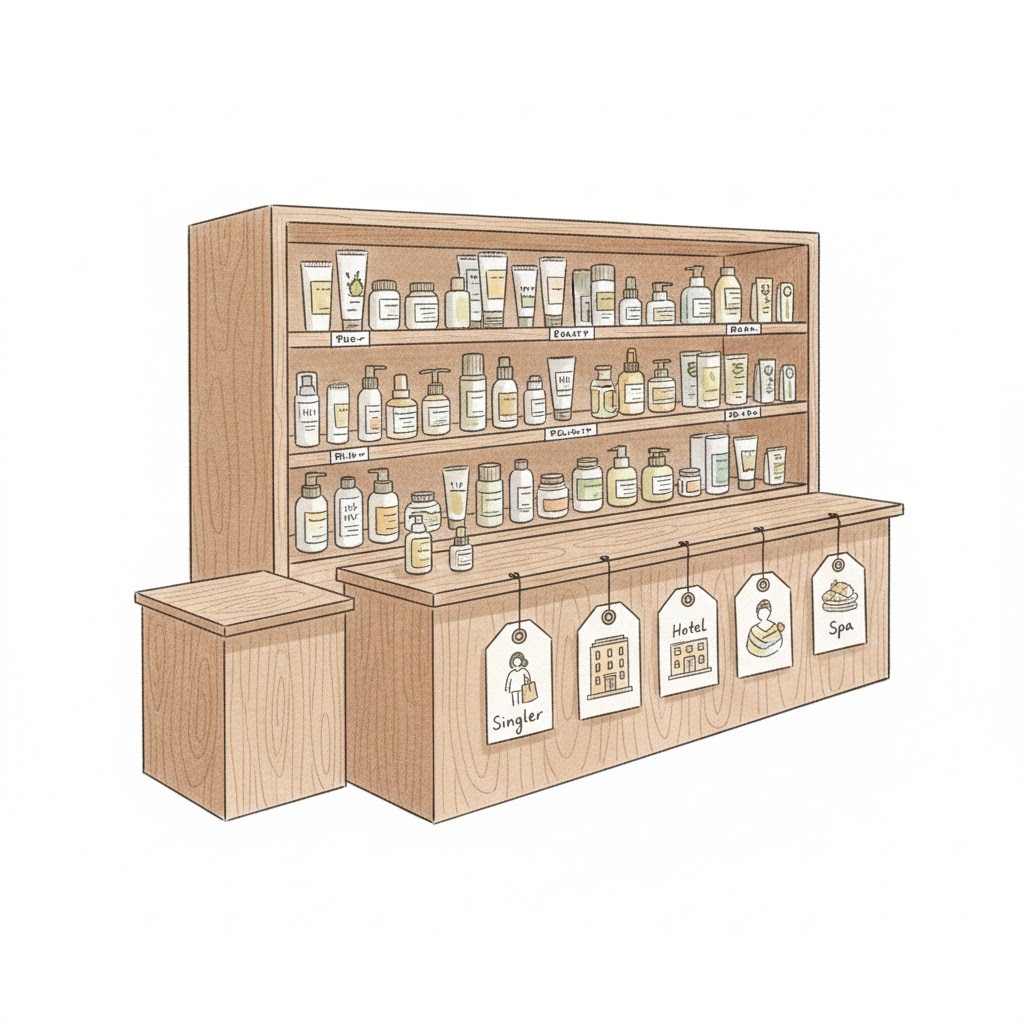
Meanwhile, boutique hotels and corporate wellness programs had started reaching out. They wanted to stock her products. The conversations were different from selling to a consumer: longer, slower, involving more people on the other side, and harder to track with a spreadsheet and good intentions.
This is the story of the tools Maya needs, in the order she needs them, and why they work the way they do.
[Note: Images in this blog post are generated using artificial intelligence tools.]
Adobe Experience Manager
AEM Sites | AEM Assets | AEM Forms

Adobe Experience Manager
Before any of the interesting things can happen, Maya needs a home. Not just a website. A home that can carry the weight of what her brand actually is.
Sustainable skincare is not a commodity purchase. People do not buy a face oil the way they buy a phone charger. They read. They compare. They want to know where the rosehip comes from, why the formula is free from certain preservatives, what the founder’s skin journey looked like before the brand existed. Content is not decoration on top of the product. It is part of the product.
Adobe Experience Manager Sites is where all of that content lives and gets managed. A brand team can update a product page, publish a new ingredient story, add a seasonal campaign banner, and localize content for a new market without filing a ticket to a developer. The pages are built from reusable components, which means a change to the product card template propagates everywhere at once instead of requiring someone to edit forty pages by hand.
AEM Assets is the library underneath Sites. Every product photograph, every ingredient close-up, every founder video, every brand guide lives here, organized, tagged, and accessible to whoever needs it. When a hotel partner wants approved brand imagery for their in-room collateral, it comes from here. When the social team needs the high-resolution version of a product shot, it comes from here. Without a system like this, brand assets live in email threads and shared drives, and three different versions of the logo are floating around at any given moment.
AEM Forms handles the moments when a visitor raises their hand. Newsletter signup. Consultation request. Wholesale inquiry from a spa in Copenhagen. Each of those forms is a data collection moment, and each piece of data becomes useful to nearly every other tool that follows. The form is rarely the end of something. It is almost always the beginning.
Adobe Commerce
Formerly Magento
Adobe Commerce
The website looks right. Now it needs to actually sell things.
Adobe Commerce is the engine underneath the AEM storefront. It manages the product catalog, inventory, pricing logic, promotions, and checkout. What makes it relevant for a brand like Maya’s is the flexibility it gives her on the business rules side.
She sells to individual consumers at retail price. She sells to spas and hotels at a wholesale price with minimum order quantities. She runs a loyalty program that gives repeat customers early access to new products. She has a subscription offering for her best-selling cleanser. Each of these is a different pricing and fulfillment logic, and Commerce handles all of them in one place rather than requiring separate systems stitched together with workarounds.
The connection between AEM and Commerce is worth pausing on. AEM is what a visitor experiences: the story, the photography, the brand voice. Commerce is what happens when they click Add to Cart. The two are designed to work together so that the experience of browsing and the experience of buying feel like the same thing, not two different websites awkwardly joined at the checkout button.
Adobe Experience Platform
The foundation underneath everything

AEP – Adobe Experience Platform
Before the next set of tools can do their jobs, someone has to build the pipes. That is Adobe Experience Platform.
AEP is not a tool you interact with directly in the way you interact with a website or a campaign dashboard. It is the data infrastructure that most of what follows is built on. Its job is to take data from every source Maya has, her website, her Commerce transactions, her email tool, her in-person events, her loyalty program, and bring it all into a standardized, unified layer that other applications can read and act on in real time.
The word ‘real time’ is doing important work in that sentence. Most traditional data systems work in batches. Data is collected, processed overnight, and available the next morning. AEP is designed to ingest and process data as it happens, which matters when the goal is to respond to a customer’s behavior in the moment rather than the next day.
Think of AEP as the nervous system. It does not make decisions on its own. But without it, nothing else in the body gets the signal it needs fast enough to act on it.
Adobe Analytics
Measurement and behavioral analysis

Adobe Analytics
Traffic is coming to Maya’s website. For the first time, she has a way to actually watch it.
Adobe Analytics is where Maya learns what is happening on her site: who visits, from which channel, what they look at, how long they stay, where they leave. But what distinguishes it from a basic web analytics tool is the depth of the behavioral data it captures and the ability to build custom reports around the questions that actually matter to Maya’s business.
She can see that visitors who read the ingredient sourcing page before looking at products convert at twice the rate of visitors who go straight to the shop. That is not a small insight. It tells her that the content she almost cut from her roadmap is actually doing critical sales work. She can see that mobile visitors from a certain referral source abandon at checkout at a much higher rate than desktop visitors from her email list, which suggests a problem worth investigating before she spends more on that referral channel.
Analytics gives Maya the questions worth asking. The answers require looking deeper.
Adobe Real-Time Customer Data Platform
Built on Adobe Experience Platform

Adobe Real-Time Customer Data Platform
Here is Maya’s problem with the data she now has. Her website analytics live in one system. Her Commerce transaction history lives in another. Her email engagement data lives in a third. Her in-person event attendance is in a spreadsheet. Her loyalty program has its own database. The customer who attended a pop-up in March, bought online in June, opened three emails in September, and visited the website twice last week is, across all of these systems, five different records.
Adobe Real-Time CDP, built on top of AEP, solves this. It stitches those records together into a single, unified profile for each customer. It uses every available identifier: email address, loyalty ID, device fingerprint, browser cookie, and any others that can be linked, to resolve what are actually one person’s interactions across many touchpoints into a single coherent picture.
And it does this in real time. When that customer opens an email this morning, her profile updates. When she visits the website an hour later, the system already knows she opened the email. When she adds something to her cart, the profile updates again. The profile is not a snapshot from last night’s batch process. It is a living record.
This matters because the tools that come next, the ones that personalize her experience, time messages to her behavior, and decide what she sees, can only be as smart as the data they are working from. A CDP that is a day behind is a personalization engine that is a day behind. Real time is not a feature. It is the point.
Adobe Target
A/B testing and experience personalization

Adobe Target
Maya has one homepage. But the person visiting for the first time after seeing a social post and the person who has ordered from her four times and is already in her loyalty program are not the same visitor. Showing them the same experience is a missed opportunity at best and slightly tone-deaf at worst.
Adobe Target gives Maya two things. The first is structured testing: she can show two different versions of a page or an element to different segments of visitors, measure which one performs better, and make decisions based on evidence rather than instinct. The second homepage headline tested against the first. The email capture placement tested in the sidebar versus the footer. The product page with the ingredient explainer video tested against the one without it. Over time, the site gets sharper because every decision is validated.
The second thing Target does is take those validated insights and apply them automatically to the right visitor. A first-time visitor sees the version of the homepage that performed best with people who matched their profile. A returning loyalty member sees a homepage that acknowledges their relationship with the brand. The content is the same website. What changes is which version of it each person sees, served in milliseconds based on what the CDP knows about them.
Adobe Customer Journey Analytics
Cross-channel journey analysis

CJA – Customer Journey Analytics
Analytics told Maya what happened on a given session, on her website. Customer Journey Analytics tells her the whole story.
The customer who discovered the brand through a short-form video in January, visited the website twice in February without buying, received three emails in March and opened two of them, abandoned a cart in April, and finally purchased in May after clicking a retargeting ad is not five separate data points. She has also written two emails to customer support. That is one journey. And understanding it as a journey, with its own rhythm, its own hesitations, its own tipping point, changes how Maya thinks about her marketing.
CJA stitches together data from every channel and lets Maya see journeys across them, at the individual level and in aggregate. She can see how long it typically takes from first touch to first purchase. She can see which channels show up early in journeys and which ones show up late. She can see where people stall and whether certain content types are associated with people who eventually convert versus people who drift away.
This is the kind of analysis that sounds like a nice-to-have until you realize that every budget decision you make about channels is based on assumptions about which ones actually drive outcomes. CJA replaces assumptions with evidence.
Adobe Journey Optimizer
Real-time journey orchestration, built on AEP

AJO – Adobe Journey Optimizer
Maya knows the journey now. Journey Optimizer lets her respond to it in the moment.
The distinction between Journey Optimizer and a traditional email marketing tool is the difference between a conversation and a broadcast. A broadcast goes out to a list on a schedule. A conversation responds to what someone just did.
A customer adds a product to her cart and leaves without buying. Within an hour, a message goes out, not because someone at Maya’s company pressed send, but because a journey was built that responds to that specific behavior. Three days later, the customer buys. The journey registers the purchase and automatically suppresses any further cart abandonment messages. A week after that, a message about the product they just bought goes out: how to use it, what pairs well with it, what other customers who bought it tend to love.
None of this requires someone to be watching a dashboard and making decisions in real time. The journey is designed once, connected to the real-time data in AEP, and then it runs. It scales to tens of thousands of customers without any additional effort. And because it is built on AEP, the journey knows everything the CDP knows about each customer before deciding what to say and through which channel to say it.
Adobe Campaign
Scheduled campaign management

Adobe Campaign
Not everything is a real-time trigger. Maya still runs a seasonal gift guide email in November. She sends a birthday message to every loyalty member whose birthday falls that month. She does a direct mail drop to her highest-value customers twice a year with a handwritten-look note and a small gift.
Adobe Campaign handles the planned, high-volume, scheduled work. It is the tool for the campaigns that are designed in advance, approved through a process, and sent to a defined list at a defined time. This is different from what Journey Optimizer does, but it is not in competition with it. Journey Optimizer handles the moment-to-moment. Campaign handles the calendar-driven programs. In a mature marketing operation, both are running simultaneously, and they are coordinated so that a customer does not receive a campaign email on the same day they are mid-way through a triggered journey.
The coordination between Campaign and Journey Optimizer is one of the places where the underlying AEP layer earns its keep. Because both tools are reading from the same customer profiles, they can see each other’s activity. A customer who just received a welcome journey message gets excluded from the weekend campaign blast automatically, not because someone managed a suppression list, but because the system knows.
Adobe GenStudio
Content supply chain and on-brand content generation

Gen Studio
Maya’s marketing team is three people. They are managing a website, four social channels, a weekly email, a seasonal catalog, and now wholesale materials for hotel partners. The demand for content is constant. The capacity to create it is not.
Adobe GenStudio addresses the content supply chain problem: the gap between how much content a modern brand needs and how much a reasonably sized team can produce without burning out or cutting corners on quality.
GenStudio is built around a brand’s approved assets, guidelines, voice standards, and templates. From those, the team can generate on-brand content variations at speed: a social post in three different formats, an email subject line tested against five alternatives, a product description adapted for a wholesale partner’s website. The output is not free-form AI generation. It is a generation constrained by what the brand has already approved, which means the team spends less time fixing off-brand issues and more time choosing among options that are already right.
For Maya, this means her team can actually keep up with the content calendar without every piece taking three rounds of revisions and a week on someone’s to-do list.
Adobe Marketo Engage
B2B demand generation and lead nurturing
The hotel inquiries keep coming. A spa chain reaches out. A corporate wellness program manager sends a detailed brief. Maya has moved from being a direct-to-consumer brand with an occasional wholesale order to running a genuine B2B sales operation on the side.
B2B sales are a different animal. A consumer decides in minutes or days. A B2B buyer decides in months, involves multiple stakeholders, requires documentation that a consumer purchase never does, and goes through stages that look nothing like an e-commerce funnel. The spa chain has a procurement team. The corporate wellness program has a budget cycle. Neither of them is going to respond to the same nurture sequence Maya sends her retail subscribers.
Adobe Marketo Engage is built for this. It manages the B2B pipeline from the moment a lead first engages with the brand, perhaps downloading a wholesale catalog or attending a trade event, through the long middle of the relationship where leads need to be educated, scored based on their engagement level, and routed to the right person at the right time. It connects to the sales team’s CRM so that the handoff from marketing to sales is clean and everything the sales rep needs to know about what that lead has read, attended, and engaged with is already there when they pick up the phone.
The tone of B2B marketing is different. The content is different. The timeline is different. Marketo is designed for all of that.
Adobe Marketo Measure
B2B revenue attribution
Maya’s B2B team is now running webinars, sending case study PDFs, sponsoring a trade show, and running LinkedIn campaigns targeting procurement managers at hotel chains. Six months later, a deal closes. Which of those activities actually moved it forward?
This is the attribution problem, and it is one of the most persistently difficult questions in B2B marketing. The sales cycle is long enough that most conventional attribution models either give all credit to the first touchpoint, the thing that started the relationship, or all credit to the last touchpoint, the thing that preceded the signed contract. Both of these are wrong in ways that lead to bad budget decisions.
Adobe Marketo Measure tracks every touchpoint across the B2B journey and uses multi-touch attribution models to distribute credit more accurately. It connects marketing activity to pipeline and revenue in a way that lets Maya’s team answer the question every CFO eventually asks: what is marketing actually contributing to the business? Not in terms of leads generated, which is a marketing metric, but in terms of revenue influenced, which is the metric that matters to everyone else in the room.
Adobe Mix Modeler
Marketing mix modeling and budget attribution

Adobe Mix Modeler
Maya now spends across digital ads, email, in-person events, influencer partnerships, wholesale marketing support, and the occasional print placement in a publication her audience actually reads. She has a sense of what works. She makes adjustments when things feel off. But her instincts are no longer enough to make budget decisions at this scale.
Adobe Mix Modeler applies marketing mix modeling, a methodology that has existed in large enterprises for decades but was historically too expensive and slow for a brand Maya’s size. It looks at the relationship between marketing spend across all channels and the revenue outcomes that followed, accounting for factors like seasonality, economic conditions, and the interactions between channels. Seeing a paid social ad and then receiving an email and then searching for the brand is not three separate touchpoints. It is a sequence, and the sequence has a different effect than any single touchpoint alone.
The output is not just a report. It is a recommendation: given your current budget and your current mix, here is where the next dollar will do the most work. Here is the channel that is underinvested relative to its contribution. Here is the one you are probably spending too much on relative to the returns it is actually generating.
Mix Modeler does not replace judgment. But it gives Maya’s judgment a foundation in evidence rather than feel.
Adobe Workfront
Marketing work and project management

Adobe Workfront
Eleven tools. Three full-time marketing team members. Two external agencies. One creative director who is technically part-time but never actually works part-time hours. Eight active campaigns at any given moment. Four hotel partners with their own asset requests and timelines. One shared inbox that has become a monument to good intentions and missed deadlines.
Adobe Workfront is where the work actually gets managed. Campaign briefs, creative requests, approval workflows, agency deliverables, launch timelines: all of it lives in one place instead of being distributed across email chains, Slack threads, and the memory of whoever happened to be in the last meeting.
The reason Workfront belongs in the same conversation as the rest of these tools is that content is the raw material that every other tool runs on. Journey Optimizer sends messages. Campaign executes campaigns. GenStudio generates variations. Target runs tests. But all of them need content to exist before they can function. If the content process is chaotic, the downstream tools are starved. Workfront is what keeps the content process from being chaotic.
It also connects to GenStudio and other creative tools so that approved assets flow from the creative process directly into the systems that need them, without someone manually downloading a file and uploading it somewhere else and hoping they grabbed the final version.
The System, Not the Software

Adobe Gets the Job Done
Maya did not adopt all of this at once. No one does, and no one should. But the reason these fourteen products belong in the same conversation is that they are designed to hand off to each other, and that is rarer than it sounds.
AEM and Commerce build the stage where the brand lives. AEP builds the data infrastructure that makes everything else fast and real-time. Analytics gives Maya sight. The CDP gives her memory. Target and Journey Optimizer let her respond intelligently to what she sees and remembers. Campaign handles the programs that run on a calendar. GenStudio keeps the content engine from becoming a bottleneck. Marketo Engage handles the B2B relationships that consumer tools were never designed for. Marketo Measure connects B2B marketing to the revenue it influenced. Mix Modeler tells Maya where to invest next quarter. Workfront keeps the people and the process from falling apart.
None of these are islands. The CDP feeds Target. AEP powers Journey Optimizer. Analytics informs what gets tested. Workfront keeps the content flowing into the tools that need it. GenStudio connects to the asset libraries that feed everything downstream.
A collection of tools solves individual problems. A system learns from itself, coordinates across functions, and gets more effective the longer it runs. The difference between those two things is architecture. And architecture is the reason these tools are designed to share a foundation rather than just share a logo.
That is what Adobe Experience Cloud is.
Not a suite of products you buy and configure. A connected system that, when it is working well, makes Maya’s instincts about her brand and her customers measurably sharper than she could ever be on her own.
Disclaimer:
The information, views, and opinions expressed here are my own, based on publicly available information, and do not represent the views or official position of Adobe. Maya and her store are fictional.